How Does Web Scraping Work: A Step-by-Step Guide
In this article we have explained about how does web scraping work. Businesses across ecommerce, finance, and market research now depend on automated data collection to track prices, monitor competitors, and fuel decisions daily.
[1. Target & Request] ➔ [2. Fetch HTML] ➔ [3. Parse Code] ➔ [4. Extract Data] ➔ [5. Export / Save]
This guide breaks down how web scraping actually works, step by step, without the usual jargon.
This breakdown was put together by:
- Reviewing technical documentation from major scraping frameworks and API providers
- Testing scraping workflows firsthand across static and JavaScript-rendered sites
- Incorporating input from practitioners handling large-scale extraction projects
Before diving into the technical layer, here is a simple five-step visual showing the process end to end.
The 5-Step Web Scraping Process

- Target & Request — Identify the target URL and send an HTTP request
- Fetch HTML — Retrieve the raw HTML or fully rendered page content
- Parse Code — Read the DOM structure to locate the right elements
- Extract Data — Pull specific fields such as price, title, or availability
- Export / Save — Store the extracted data as CSV, JSON, or database records
The goal is clarity, not service promotion. Once you understand these mechanics, you can evaluate any scraping method with confidence.
How Web Scrapers Work Behind the Scenes (Backend)

Requesting and Loading
When a scraper sends a request, it mimics a browser through HTTP calls, sending headers like user-agent, accept-language, and referrer so the target server treats it as a normal visitor rather than a bot.
Many modern sites load content through JavaScript after the initial request, so simple fetch calls return empty shells. Headless browsers like Puppeteer or Playwright execute JavaScript exactly as a real browser would.
Parsing and Extracting
Once HTML arrives, parsers like APISCRAPY or Cheerio read the DOM tree so developers can query it with CSS selectors or XPath, turning nested tags into a navigable structure.
At scale, extraction logic needs to identify data points reliably even when page layouts shift slightly, using a mix of attribute matching, text patterns, and fallback selectors to avoid missed or duplicate records.
Storing and Exporting
Extracted data typically lands in structured formats like JSON or CSV before moving into a database or delivery pipeline, depending on how the downstream team plans to use it.
Raw output rarely stays raw for long. Teams clean duplicate entries, standardize date and currency formats, and map fields into existing systems like a CRM or pricing dashboard before the data becomes usable.
How to Scrape 100% of a Site?
Most scrapers miss data not because the code is wrong, but because pagination, infinite scroll, or hidden elements quietly exclude entire sections of a site.
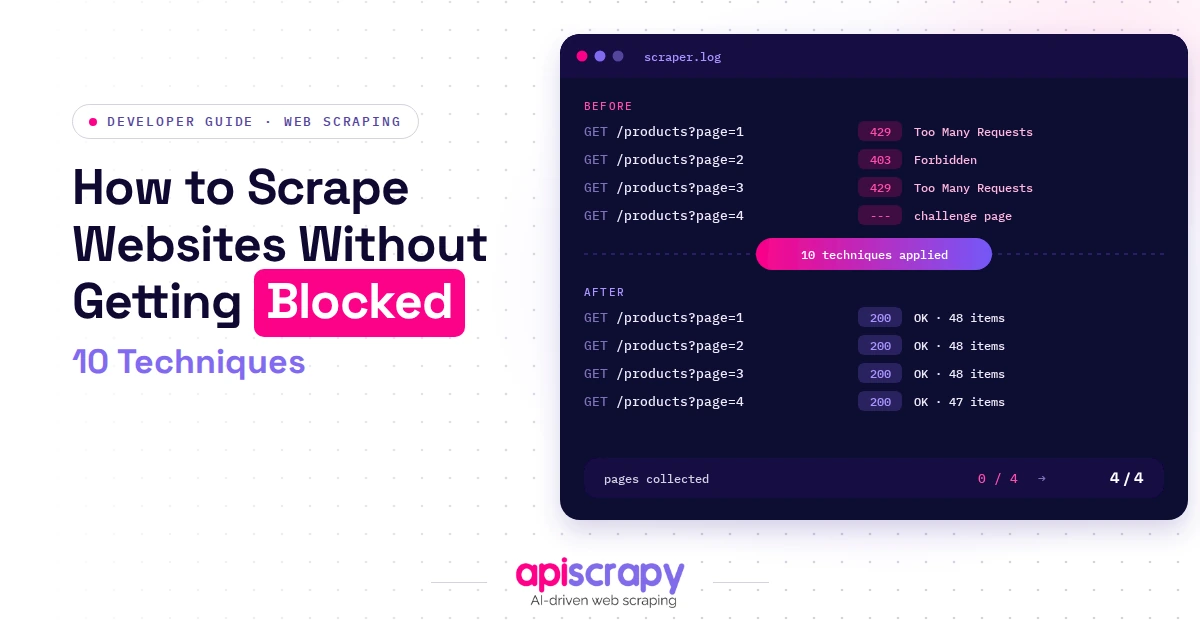
Anti-bot defenses add another layer of difficulty, since rate limiting, CAPTCHAs, and IP blocks are designed to stop scrapers before they reach full coverage.
Techniques for Full Site Coverage
- Rotating proxies distribute requests across many IP addresses so no single address gets flagged or blocked
- Retry logic automatically re-attempts failed requests with backoff delays instead of permanently losing that data point
- Dynamic rendering executes JavaScript so content that loads after the initial page request gets captured as well
- Structured crawl depth maps a site’s full hierarchy instead of stopping at the first visible layer of pages
- Deduplication logic filters out repeated records so the same product or listing is not counted twice across pages
Practitioners who run large-scale extraction projects consistently report that full coverage depends less on scraping speed and more on handling failures gracefully.
How AI Changes the Flow of Web Scraping

Rule-based scraping relies on fixed selectors that break the moment a site redesigns its layout, which is pushing more teams toward AI-assisted scraping methods instead.
Self-healing scrapers use pattern recognition to detect layout changes and adjust extraction logic automatically, instead of failing silently until someone notices.
AI-based parsing identifies data points by understanding context rather than relying on rigid CSS selectors, so a scraper can still find the price field even after layout updates.
CAPTCHA and anti-bot handling has also improved through AI, with models trained to solve visual challenges and mimic human browsing patterns more convincingly.
What Are the Benefits of Using APISCRAPY for Web Scraping?
APISCRAPY is best suited for teams that need reliable, large-scale data extraction without maintaining scraper infrastructure themselves, including ecommerce, market research, and pricing intelligence teams.
Its core strength lies in combining managed infrastructure, AI-assisted parsing, and structured delivery pipelines into a single platform rather than several disconnected services.
It clearly outperforms manual or DIY setups when a team needs consistent uptime, automatic layout recovery, and ready-to-use delivery formats.
Key Features
- Managed scraping infrastructure that handles proxy rotation, retries, and CAPTCHA challenges without manual intervention from your team
- AI-assisted parsing that adapts to layout changes automatically, reducing the maintenance load typically required by traditional scrapers
- Delivery in ready-to-use formats such as JSON, CSV, or direct API feeds instead of raw unstructured data dumps
- Scheduling and monitoring built in, so data refreshes happen automatically without a team manually re-running scraping jobs
- Coverage across static pages, JavaScript-rendered sites, and anti-bot protected pages within a single unified extraction workflow
What is Reddit discussion saying about how web scraping works behind the scenes?
An r/webscraping thread has beginners asking the core “how does this actually work” question, with answers that walk through request → HTML → parse → tools. The pattern across replies confirms a consistent beginner path: understand the request-response cycle first, then move to parsing libraries, then graduate to frameworks once static scraping hits its limits.
Conclusion
Web scraping, at its core, is simple: request a page, read its structure, pull what matters, and store it somewhere useful. The complexity lives in the details, handling dynamic content, avoiding blocks, and keeping extraction accurate at scale. If your team needs reliable data without managing that complexity in-house, book a demo with APISCRAPY to see how a managed AI-powered scraping workflow fits your use case.
FAQs
What is the difference between web scraping and web crawling?
Web scraping extracts specific data points from a page, such as prices or product details. Web crawling discovers and indexes pages across a site, without necessarily pulling structured data from each one.
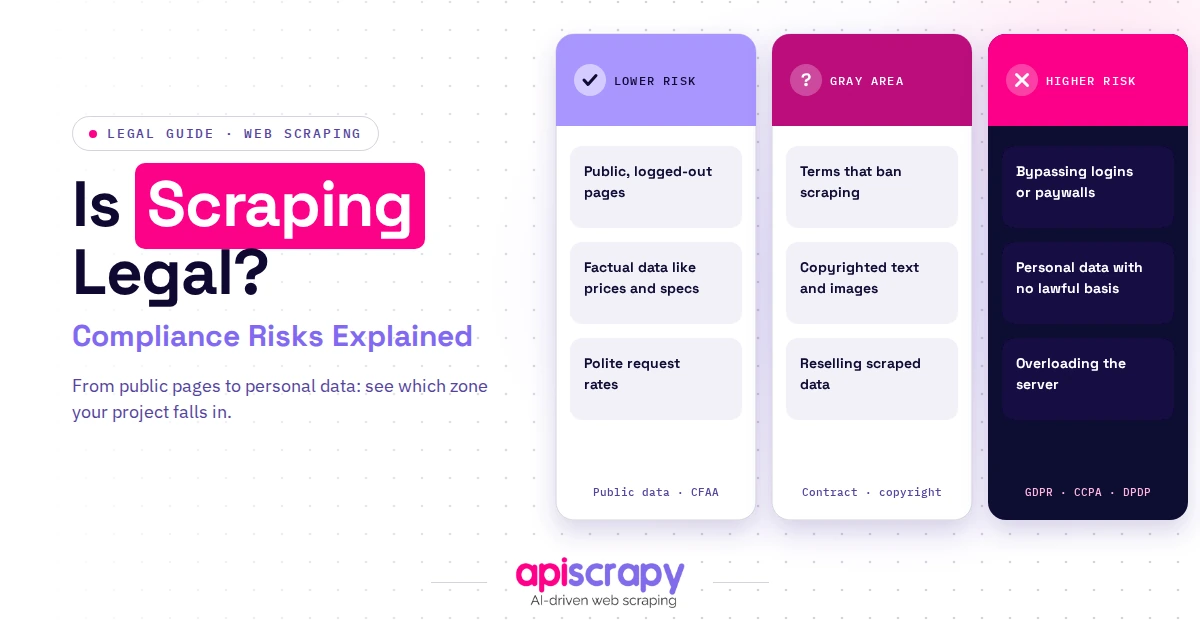
Is web scraping legal, and what are the compliance boundaries?
Scraping publicly available data is generally legal, but it depends on jurisdiction, the site's terms of service, and whether personal data is involved. Respecting robots.txt and privacy laws like GDPR keeps most scraping within safe boundaries.
What services or technologies are commonly used for web scraping?
Common services include Python libraries like BeautifulSoup and Scrapy for parsing, Puppeteer or Playwright for JavaScript-heavy sites, and proxy services for scale. Managed platforms like APISCRAPY combine several of these into one workflow.
How do websites detect and block web scraping bots, and how can this be avoided?
Sites detect bots through rate limiting, browser fingerprinting, and behavioral analysis that flags non-human patterns. Rotating proxies, realistic request pacing, and headless browser rendering reduce detection risk significantly.