7 Best AI Data Extraction Tools
AI data extraction tools have moved well beyond fixed-template OCR. Documents and web sources now arrive in inconsistent layouts, mixed formats, and multiple languages that break rule-based parsers the moment a vendor changes an invoice template or a page structure shifts.
AI-driven tools solve this by understanding document structure and semantic context rather than relying on coordinate-based rules, which is why teams now choose based on extraction accuracy and adaptability rather than raw processing speed alone.
This guide breaks down the seven strongest AI data extraction tools, based on:
- Analysis of vendor documentation, pricing pages, and verified reviews across G2, Trustpilot, and developer communities
- Evaluation of AI-based extraction accuracy, template-free field detection, table and multi-language support, and validation workflows
- Comparison of managed versus self-serve workflows, output formats, delivery frequency, and quality assurance processes
- Review of pricing models and scalability for solo developers, growing teams, and enterprise data operations
PriceLeap is our own product and appears in this list as the tool we build and maintain. Its placement reflects our documented feature set, not a paid slot, and every comparison made against the other six tools below relies on their public pricing pages, documentation, and independently verified customer reviews rather than our own opinion of them.
All tool descriptions and comparisons rely on publicly available documentation, verified customer feedback, and documented performance outcomes.
Vetting Methodology: How We Evaluated These AI Data Extraction Tools
We scored all seven tools against the same six weighted criteria, using vendor documentation, public pricing pages, and verified reviews from G2, Capterra, Trustpilot, GetApp, and developer communities like r/webscraping.
| Criterion | Weight | What We Checked |
|---|---|---|
| Extraction Accuracy and Adaptability | 25% | Template-free field detection, how well each tool keeps working after layout or template changes, and accuracy on messy inputs like invoices, receipts, and dynamic web pages. |
| Data Quality and Validation | 20% | Whether output arrives as clean JSON, CSV, or API-ready records, plus confidence scoring, human QA, and review workflows applied before delivery. |
| Source and Format Coverage | 15% | Support for websites, PDFs, emails, and scanned documents, along with table extraction, handwriting, and multi-language handling. |
| Pricing Transparency and Scalability | 15% | Starting price, credit multipliers for JSON extraction, stealth mode, or GPT parsing, rollover rules, and real cost per page or document as volume grows. |
| Ease of Use and Integration | 15% | Setup effort for no-code and developer teams, API and SDK quality, and native connections to tools like Zapier, Google Sheets, LangChain, and CRMs. |
| Compliance, Support, and Verified Feedback | 10% | Published GDPR, SOC 2, or ISO 27001 commitments, support responsiveness, and verified reviews on G2, Capterra, Trustpilot, and GetApp. |
| Total | 100% |
Each tool was scored 1 to 5 on every criterion, and the weighted scores determined its final ranking.
Comparison Table
| Tool | G2 Rating | Capterra Rating | Best For | Starting Price |
|---|---|---|---|---|
| Priceleap | 4.0/5 (7) | 5.0/5 (26) | Managed web + document extraction with human QA | Start for $89 |
| Diffbot | 4.9/5 (29) | N/A | Entity-level extraction across billions of pages | Free; Plus $899/mo |
| Firecrawl | Too new to score | N/A | LLM-ready web data for RAG and AI agents | Free; $16/mo Hobby |
| Nanonets | 4.7/5 (96) | N/A | Invoice, form, and document OCR/IDP | Free; up to $999/mo |
| Octoparse | 4.8/5 (52) | 4.7/5 (106) | No-code visual web scraping | Free; from ~$99/mo |
| Browse AI | 4.8/5 (51) | 4.5/5 (59) | No-code robot training, no API required | $48/mo (Personal) |
| Parsio | Positive, low volume | Positive, low volume | Email and PDF/document parsing | Free sandbox; $41/mo |
Top 7 AI Data Extraction Tools
Here is a closer look at each tool from the table above, including where it earns its rating and where it falls short in real use.
1. PriceLeap
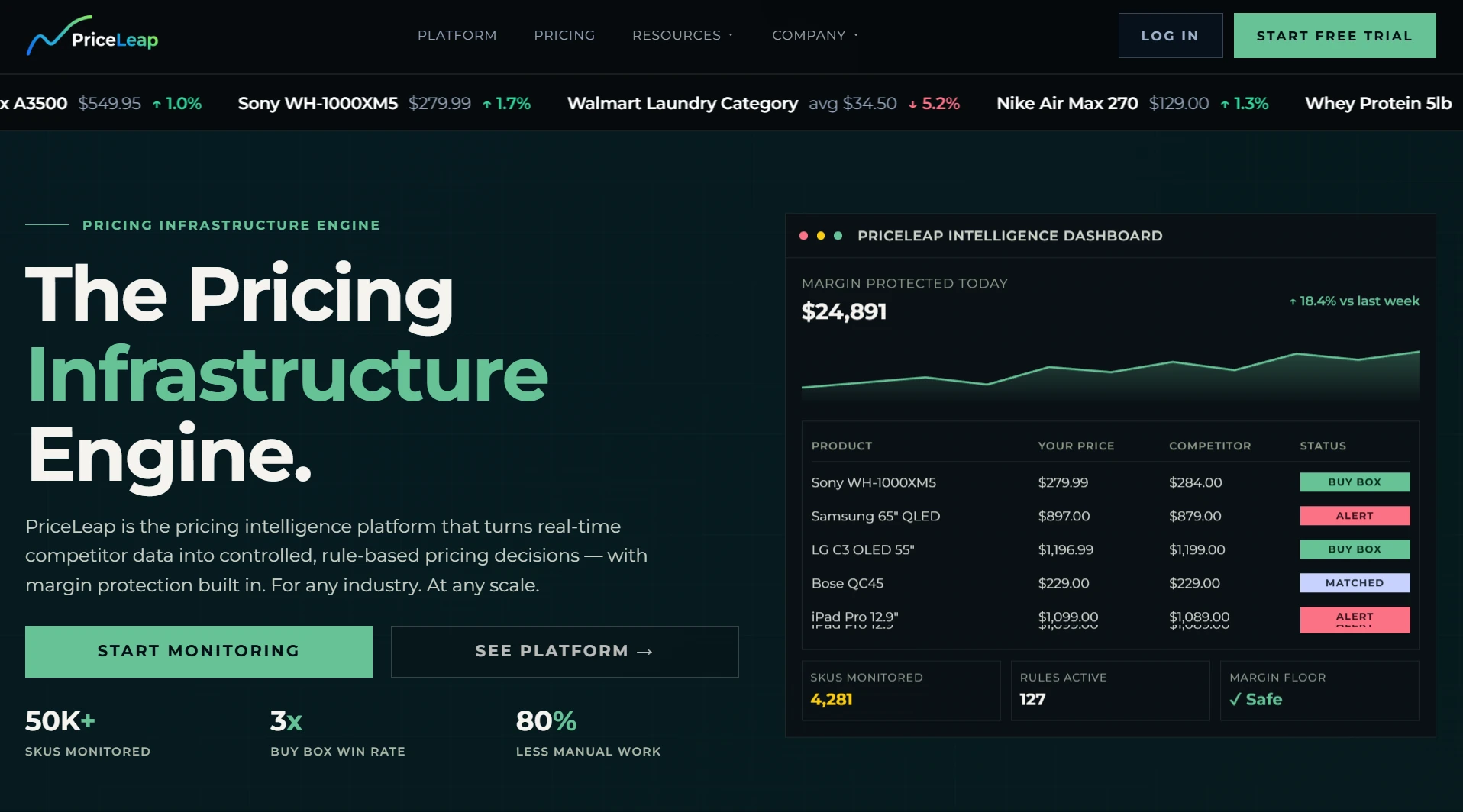
Built for teams that want extraction handled as an outcome, not a pipeline they have to build and babysit themselves, PriceLeap is an AI data extraction tool that works across both websites and documents. It puts human QA on top of the AI classification instead of shipping raw model output straight to you. Data lands wherever you need it: a dashboard, an API, or a scheduled feed, whichever fits how your team already works.
Features:
- AI-augmented classification with human verification built into higher tiers
- No coding or infrastructure investment required on the customer’s side
- Delivery through dashboards, APIs, or scheduled feeds
- Outcome-based pricing tied to delivered data rather than raw compute
Pros:
- Removes engineering overhead entirely for teams without a dev bench
- Human QA layer catches errors that pure automation misses
- Pricing scales with data delivered, not infrastructure managed
Cons:
- Less cost-efficient for solo builders running small, occasional jobs
- Less hands-on control than a self-serve API for teams that want to tune extraction logic directly
Pricing: Starts near $89 a month. Better suited to mid-size teams and up than solo builders on tight budgets.
2. Diffbot
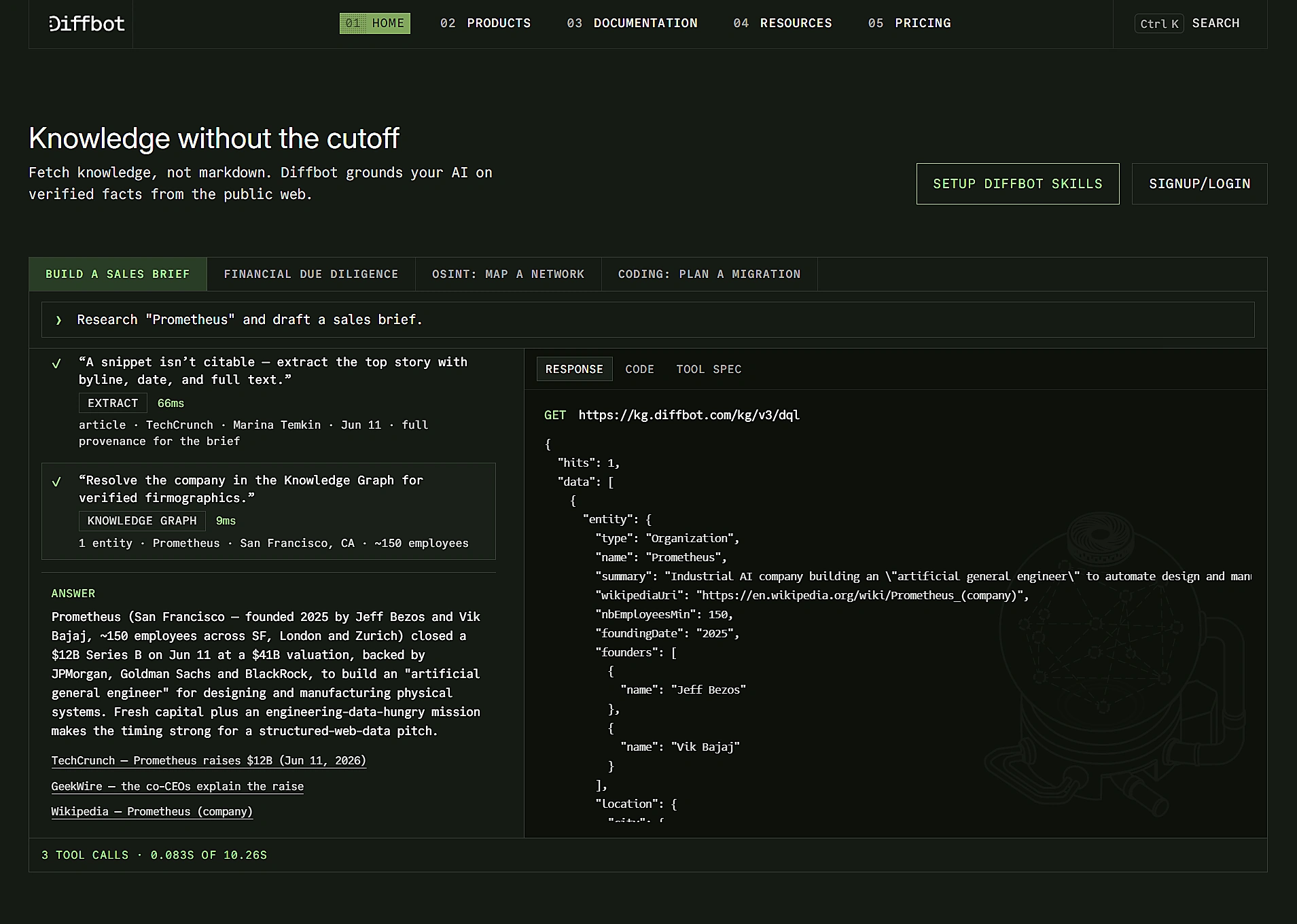
Diffbot takes a different route to data extraction, using computer vision and NLP to turn arbitrary web pages into structured entities, backed by a Knowledge Graph covering hundreds of millions of organizations, people, and products. As an AI data extraction tool, it earns its keep when you’re pulling entity-level data from a huge, unpredictable set of sources rather than a handful of sites you already know well.
Features:
- Automatic structured extraction from any web page using AI, computer vision, and machine learning
- Knowledge Graph with entity relationships across organizations, products, and articles
- Crawlbot for web-wide crawling across multiple pages or entire sites
- NLP layer that infers entities, relationships, and sentiment
Pros:
- Rule-less extraction that keeps working through layout changes, since it reads pages the way a person would
- A massive pre-built knowledge graph that saves you from building entity resolution from scratch
- Strong reviewer sentiment, holding a 4.9 out of 5 average on G2
Cons:
- Higher-tier plans get expensive fast for small businesses
- Credit-based system needs active monitoring to avoid overage costs
Pricing: Free tier gives 10,000 credits a month, Startup runs $299 for 250,000 credits, and Plus runs $899 for 1,000,000 credits. Enterprise pricing is custom.
3. Firecrawl
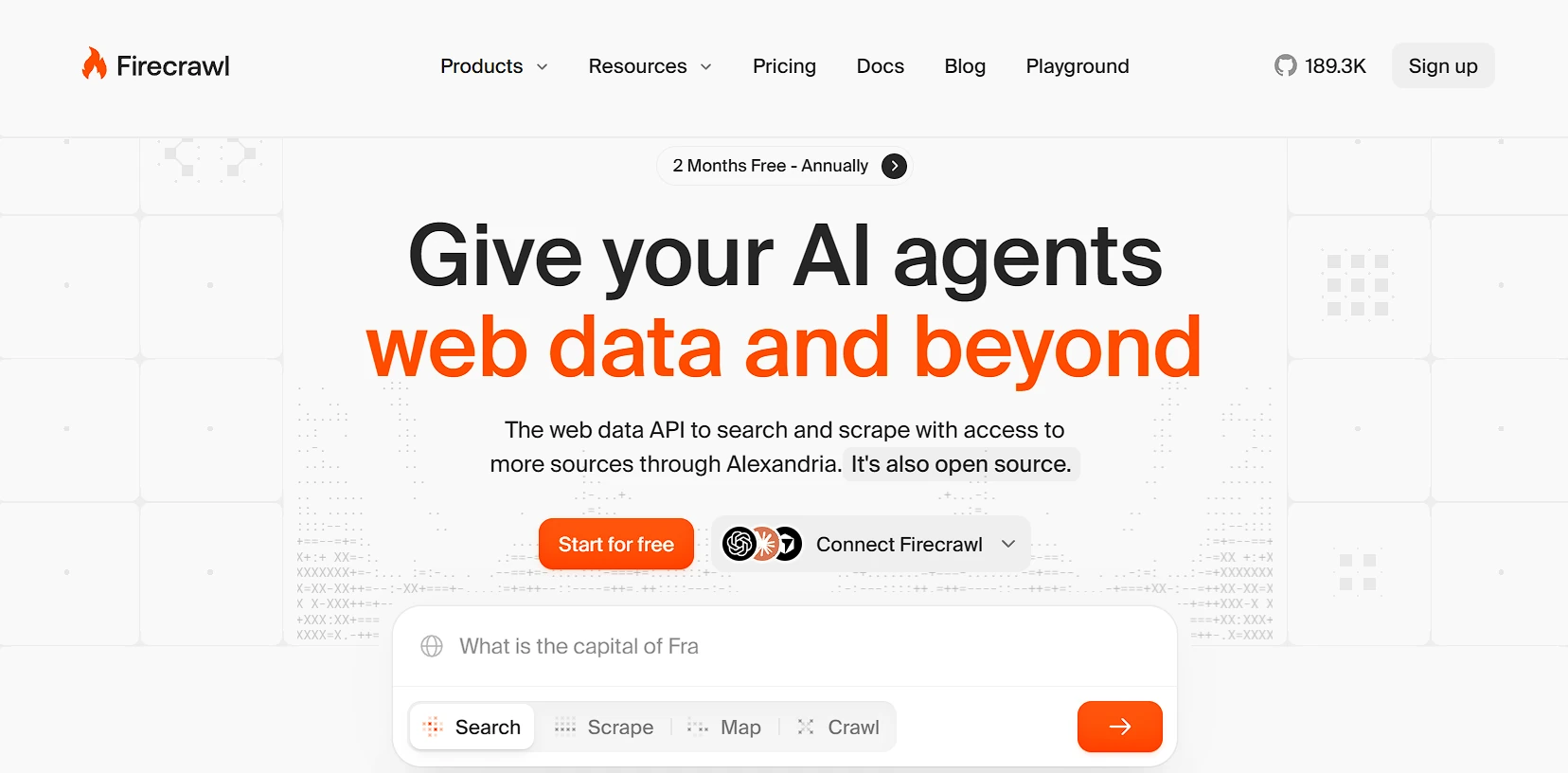
Developers feeding AI agents and RAG pipelines tend to land on Firecrawl, an AI data extraction tool that turns any URL into clean markdown or schema-validated JSON with a single API call. The traction backs that up too: Firecrawl has passed 150,000 GitHub stars, even though it still has a thin review history on sites like G2 or Capterra.
Features:
- Four core endpoints: scrape, crawl, map, and extract
- LLM-ready markdown or structured JSON output
- MCP server with native LangChain, LlamaIndex, and Claude/Cursor integrations
- Handles JavaScript rendering, proxy rotation, and anti-bot detection automatically
Pros:
- Markdown output cuts token usage substantially compared to raw HTML
- Native MCP and agent-framework integrations need almost no glue code
- A genuinely usable free tier for testing before committing to a paid plan
Cons:
- Credit modifiers for JSON extraction and Enhanced Mode can multiply real per-page cost 5 to 9 times past the advertised rate
- Credits don’t roll over on standard plans, and there’s no pay-as-you-go option
Pricing: Free tier gives 500 to 1,000 credits monthly, Hobby is $16 for 3,000 credits, and tiers climb to $599 for 1,000,000 credits at Scale. Enabling structured extraction or stealth mode can push real cost several times past the advertised per-page rate.
4. Nanonets
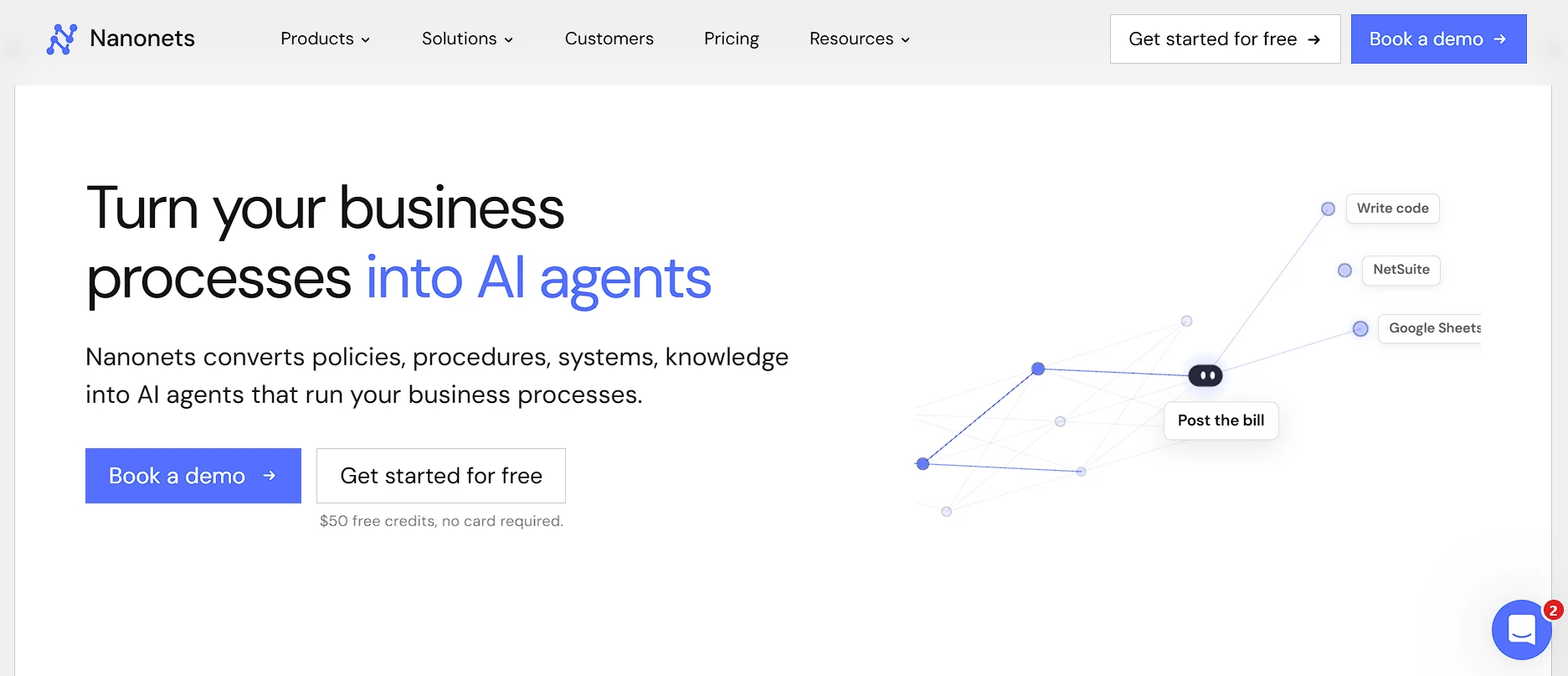
Document-heavy work is where Nanonets lives. This AI data extraction tool reads invoices, forms, and receipts through a traceable engine that shows exactly which rule drove which decision. That transparency is probably why it holds a 4.7 out of 5 rating on G2 and keeps getting singled out for accuracy on messy, complex documents.
Features:
- Zero-training model that adapts as it processes more of your document types
- OCR coverage across handwritten and typed text in multiple languages
- Traceable extraction that shows what was read, what rule applied, and why
- Integrations with SAP, Salesforce, Airtable, Dropbox, QuickBooks, and Zapier
Pros:
- Strong implementation support, called out often in verified reviews
- High accuracy on complex, messy documents like invoices and bills of lading
- Learns from corrections over time rather than requiring a full retrain
Cons:
- Purpose-built for documents, not the right pick if your primary need is scraping live websites
- Per-run block pricing makes real per-document cost harder to estimate than a flat rate
Pricing: Free Starter tier includes $200 in non-expiring credits, then usage runs $0.02 to $0.30 per workflow block depending on complexity. Growth is quote-based with volume discounts, and Enterprise is custom.
5. Octoparse
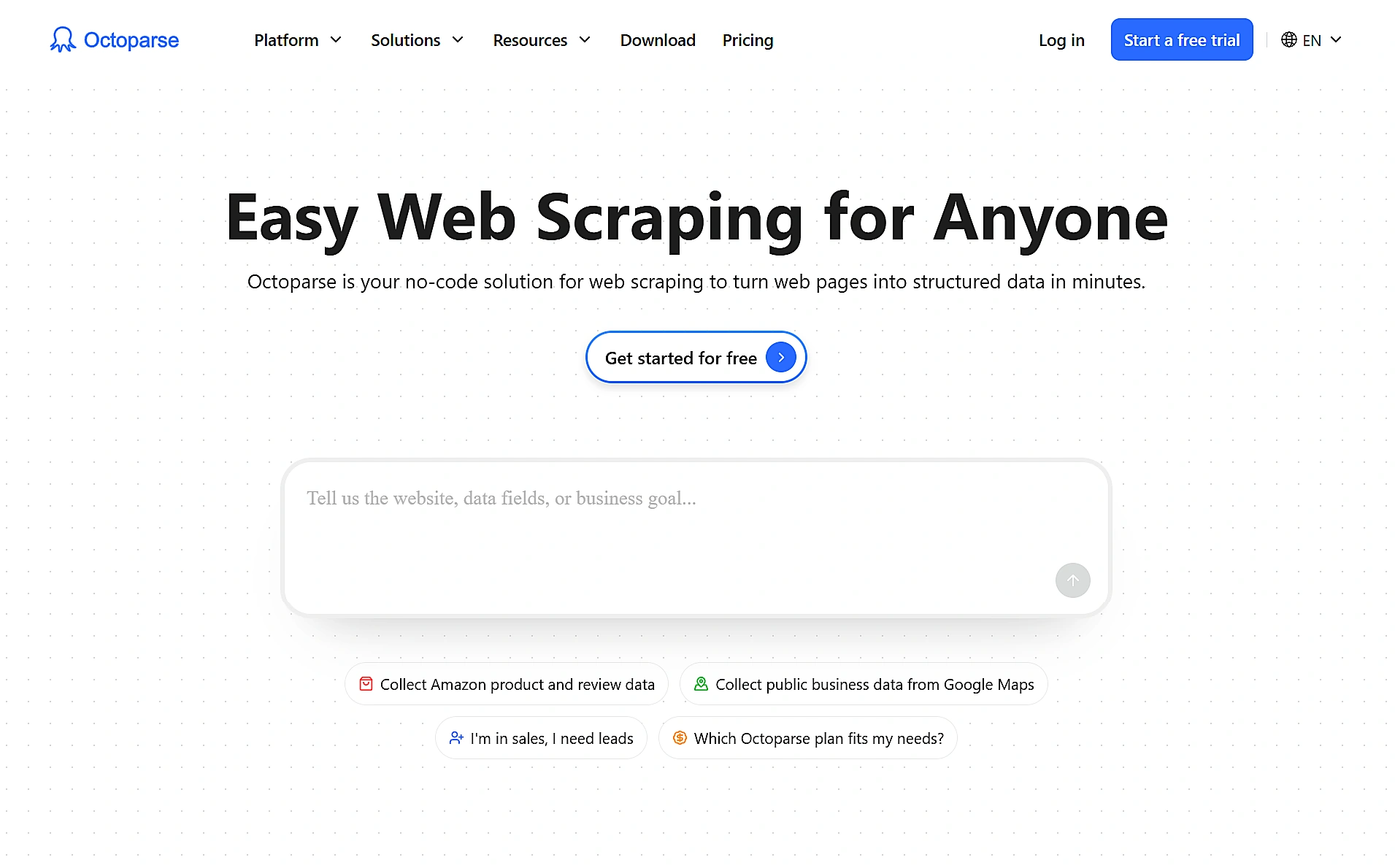
For researchers and marketers who’d rather not write code, Octoparse offers a no-code visual scraper with AI auto-detection for lists, tables, and pagination. As an AI data extraction tool, it scores 4.8 on G2 across 52 reviews and 4.7 on Capterra across 106, numbers that hold up across both solo researchers and larger operations teams.
Features:
- Point-and-click visual workflow builder
- Hundreds of prebuilt templates for common sites
- Both desktop and 24/7 cloud execution
- Handles infinite scroll, logins, and AJAX-heavy pages without custom scripting
Pros:
- Genuinely fast setup for non-technical users
- Cloud scheduling keeps tasks running without anyone watching them
- Google Sheets and spreadsheet export fit existing workflows
Cons:
- Pricing is inconsistent across Octoparse’s own marketing pages and third-party trackers, anywhere from roughly $69 to $299 a month
- Proxy and CAPTCHA add-ons can push real monthly cost well past the advertised rate
Pricing: Free plan covers 10 tasks and 50,000 exported rows monthly, Standard runs roughly $69 to $119, and Professional runs roughly $249 to $299. Confirm current numbers directly on octoparse.com since published figures shift by source.
6. Browse AI
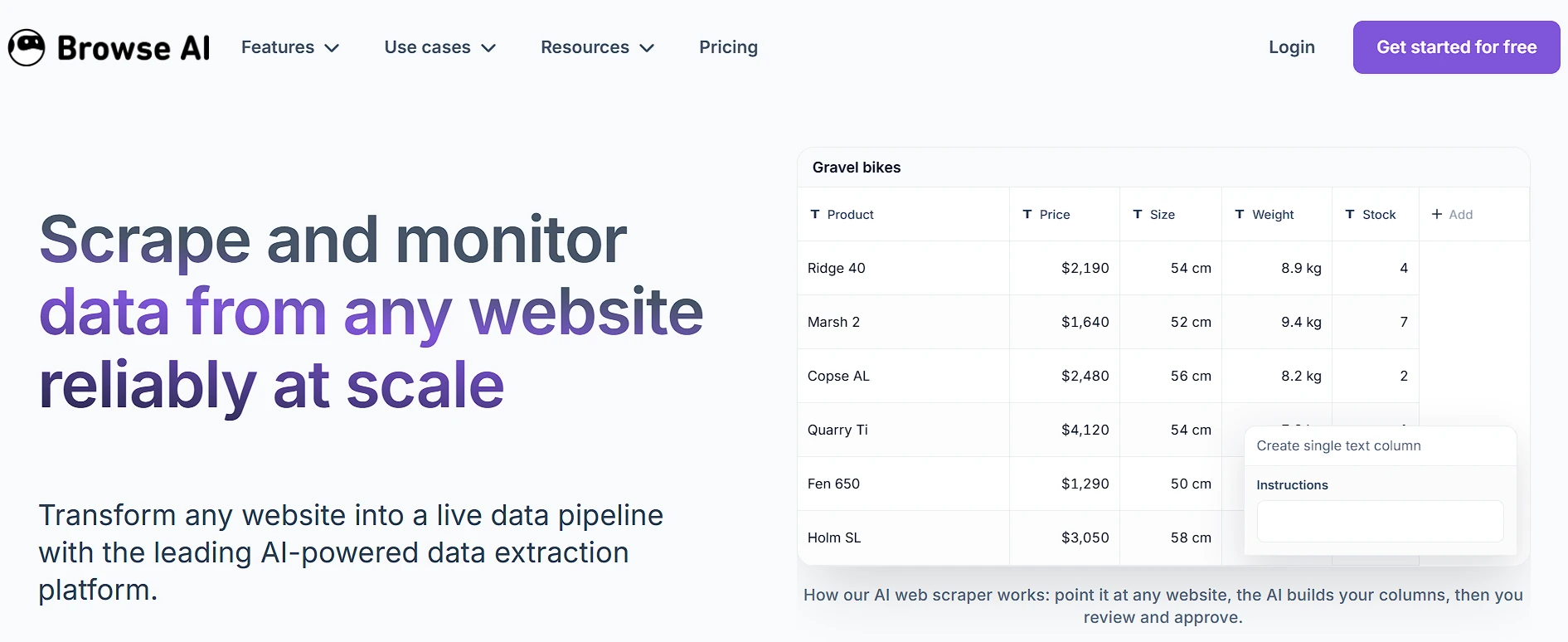
Give Browse AI a couple of minutes on any website, and it trains a “robot” to monitor that page on a schedule, no API from the target site required. This AI data extraction tool rates 4.8 on G2, and reviewers keep pointing to its role bridging tools that have no API into an existing automation stack.
Features:
- No-code robot recorder that trains in minutes
- Scheduled monitoring with change alerts
- Google Sheets, Airtable, Make, Pabbly Connect, and Zapier integrations
- Chrome extension for quick setup
Pros:
- The fastest setup of any tool on this list, genuinely usable within minutes
- Built-in change monitoring, useful for tracking competitor pricing or content updates
- Strong ease-of-use and support scores in verified reviews
Cons:
- Credit-based pricing is widely reported as hard to estimate before running a job
- Trustpilot sentiment is notably more polarized than G2 or Capterra, with complaints clustering around billing
Pricing: Personal starts around $48 a month, Professional runs about $87, and Premium runs about $500. A free tier exists for testing before you commit to either.
7. Parsio
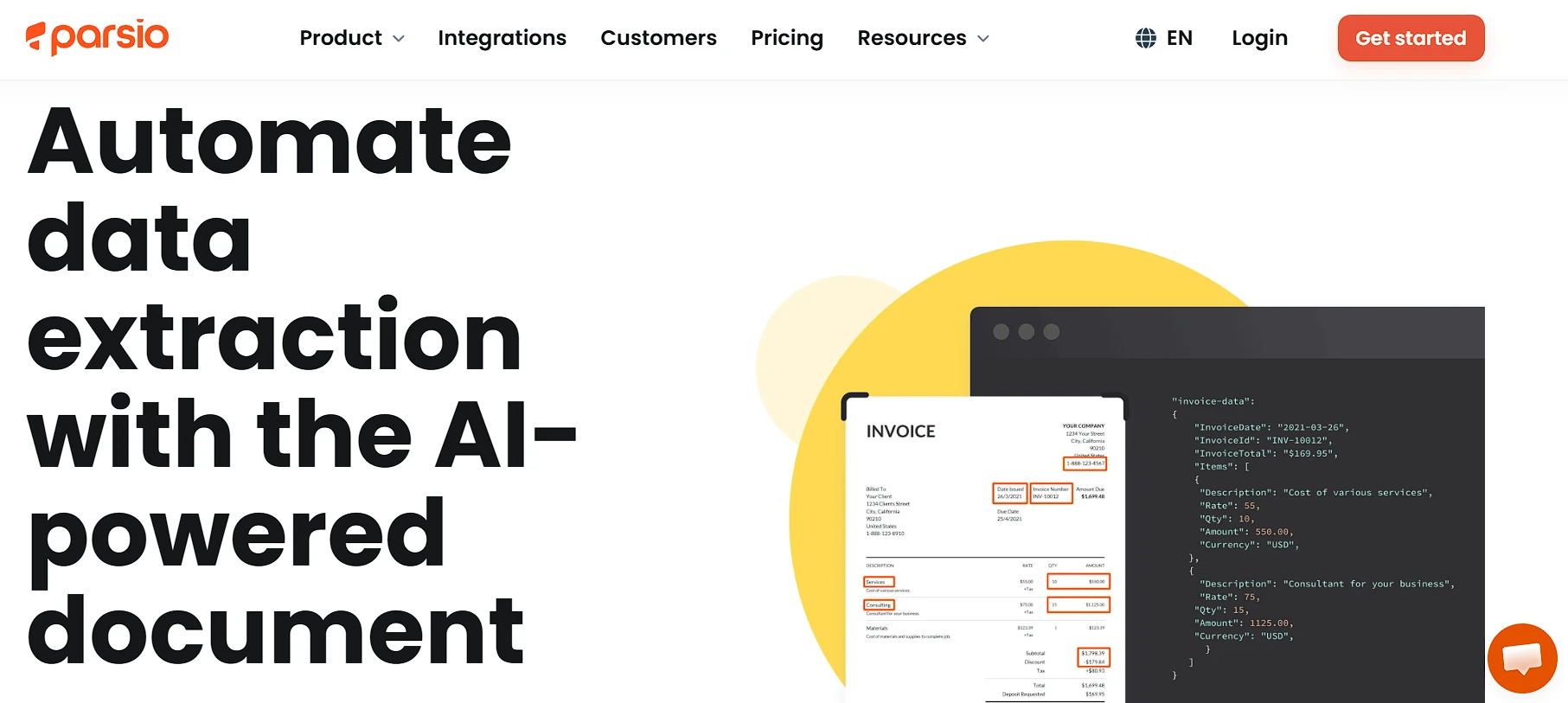
Rather than websites, Parsio focuses on pulling structured fields out of emails, PDFs, and attachments, combining template-based, GPT-powered, and OCR parsing in one platform. As an AI data extraction tool, its review sentiment depends heavily on where you look: GetApp shows 4.7 out of 5 across 246 reviews, while Parsio’s own G2 listing has a much smaller, more polarized sample worth reading individually rather than trusting as a single average.
Features:
- Highlight-to-extract templates instead of hand-written extraction rules
- Combines template-based, GPT-powered, and OCR parsing
- Webhook delivery into more than 6,000 connected apps, including Google Sheets and CRMs
- Free Sandbox tier for testing before committing
Pros:
- Genuinely easy setup for non-technical users, per multiple review platforms
- Flexible across emails, PDFs, Excel, HTML, CSV, and XML inputs
- Wide integration coverage through Zapier, Make, and direct webhooks
Cons:
- Credit consumption varies sharply by parsing engine, a 1-page attachment can cost 1 credit with template parsing or 5 with GPT parsing
- Some long-time users report abrupt service or pricing changes
Pricing: Free Sandbox includes 30 credits a month, and paid plans start around $41. Real cost depends heavily on which parsing engine you run per document, so model your actual mix before picking a tier.
Why Is AI Data Extraction Replacing Traditional Web Scraping Tools?
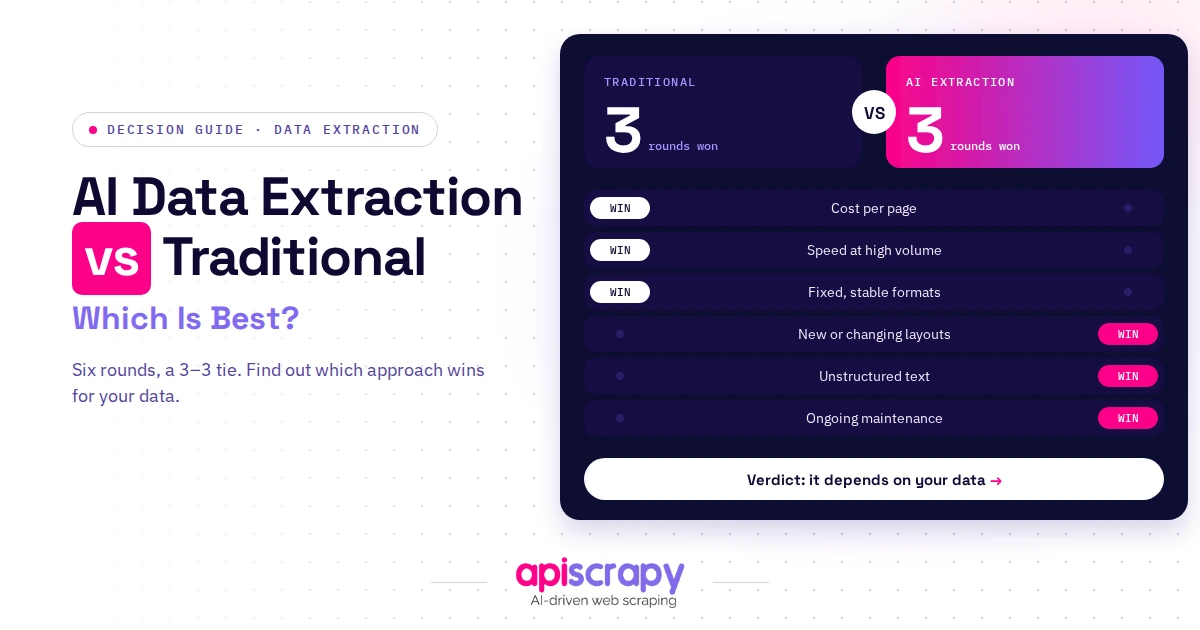
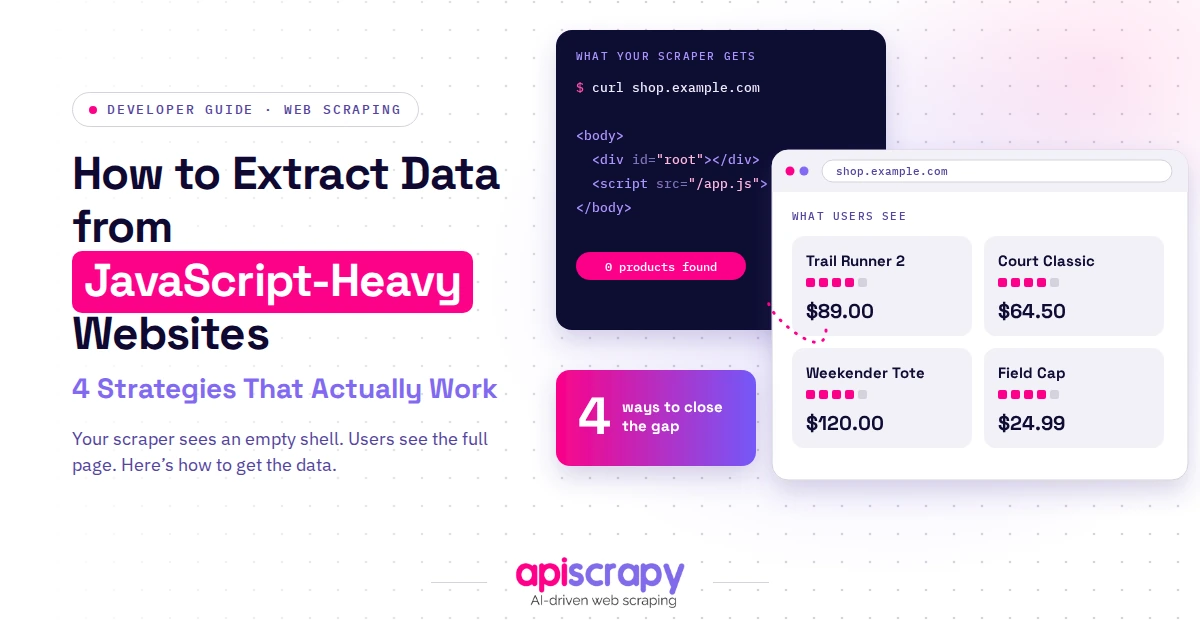
Traditional scrapers rely on fixed selectors, so a redesigned button or a renamed CSS class can silently break an entire pipeline overnight. AI extraction tools use language and vision models to recognize what a price, a title, or an address looks like regardless of the underlying HTML, so they keep working after a layout change.
That resilience matters more in recent years than it did a few years back, since sites redesign faster and bot detection has gotten more agressive on both sides. Teams that used to budget a developer-day per broken scraper each month are shifting that time into AI-native pipelines instead.
What is the Reddit community saaggressiveing about AI data extraction tools?
Developers on r/webscraping regularly describe selector maintenance eating up more time than the scraping work itself, a pattern that keeps pushing teams toward an AI data extraction tool instead.
One recurring theme on r/webscraping is scrapers breaking on every layout change, with maintenance hours outpacing actual data use, which is the exact gap an AI data extraction tool is built to close.
What Are the Benefits of Using AI Data Extraction Tools?
- Handles unstructured, messy data, pulling clean fields out of invoices, receipts, and web pages that never followed a consistent format.
- Cuts ongoing maintenance because models adapt to layout changes instead of breaking every time a site redesigns its front end.
- Scales across hundreds of sources at once, so one pipeline can replace a team of people copying and pasting.
- Improves accuracy on edge cases like misspellings, synonyms, and inconsistent formatting that trip up rule-based extraction.
- Delivers structured, ready-to-use output through APIs or exports, so data lands directly in a database or spreadsheet.
- Supports compliance-aware collection with audit trails, which matters more now that data provenance gets questioned in enterprise deals.
How Does AI Data Extraction Work?
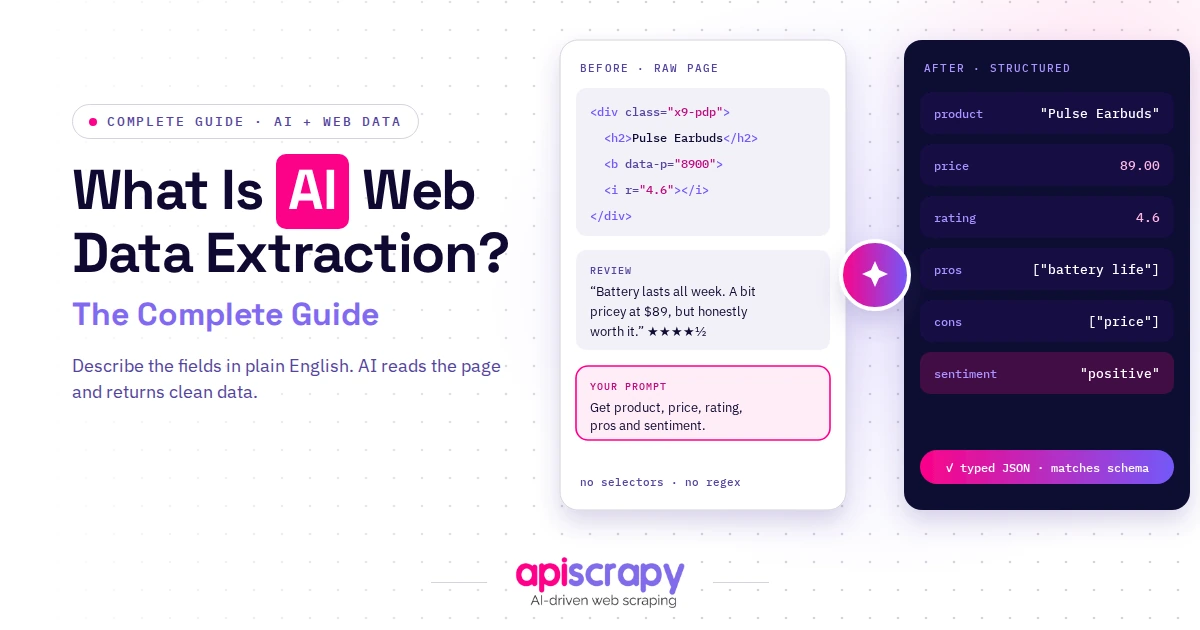
A typical pipeline starts with a crawler or document loader that fetches raw pages, PDFs, or emails from the source. Layered on top, an AI model, usually a mix of NLP and computer vision, reads that raw content and identifies the fields that matter, a price, a date, a line item, regardless of where it sits on the page.
Once fields are identified, the tool validates them against expected formats and flags anything it isn’t confident about for human review. The final output gets delivered as JSON, CSV, or a direct API feed, ready to drop into a warehouse, CRM, or LLM pipeline without extra parsing.
How to Choose the Right AI-Based Data Extraction Tool
Accuracy & Data Quality
Ask for a trial run on your own source data before committing, since accuracy on someone else’s demo site tells you very little about your data.
Scalability Across Sites & Volume
Confirm the tool can handle your real page or document volume without hidden throttling, because most vendors quote best-case numbers on their pricing page.
Ease of Integration (No-Code vs API/SDK)
Decide upfront whether your team wants a visual point-and-click builder or a developer-first API, since that single choice narrows the shortlist immediately.
Compliance & Security
Check for ISO 27001, SOC 2, or GDPR alignment if the data you are pulling touches personal information or regulated industries.
Pricing & Support
Read the fine print on credits, overage fees, and what happens when a page fails to load, because that is where most surprise bills come from.
Start Building Your Web Crawler Today
Conclusion
There is no universal best AI data extraction tool. The right one depends on whether you are scraping websites, parsing documents, or both, and how much hands-on setup your team actually wants to own.
Developer-first tools like Firecrawl and Diffbot suit teams building AI pipelines, no-code options like Octoparse and Browse AI suit non-technical researchers, and document specialists like Nanonets and Parsio solve a narrower but very real problem.
If you would rather hand off the extraction and QA entirely and just receive clean, ready-to-use data, book a demo with Priceleap to see how a managed pipeline would handle your specific sources before committing budget to a self-serve tool and the engineering time it usually still requires.
Frequently Asked Questions About AI Data Extraction Tools
Is AI data extraction the same thing as OCR?
No. OCR only transcribes text from images, while AI data extraction adds language understanding to identify specific fields and relationships within that text.
How much do AI data extraction tools cost?
Costs range from free tiers with a few hundred monthly credits to managed platforms starting near $500 a month, so compare cost per page or document rather than the headline price.
Do I need coding skills to use an AI data extraction tool?
Not necessarily, since no-code tools like Octoparse and Browse AI use point-and-click interfaces while developer-first tools like Firecrawl and Diffbot expect API calls and schema definitions.
Can AI data extraction tools pull data from both websites and documents?
Some specialize in one or the other, but managed platforms like PriceLeap handle both in a single pipeline, while Nanonets and Parsio focus on documents and Diffbot and Octoparse focus on web sources.
How accurate is AI data extraction compared to manual entry?
Well-configured AI extraction typically beats manual entry on speed and consistency, though accuracy still depends on document quality, so spot-checking output remains good practice.